Profile
The Profile & Contact section is where you would go to update your personal and contact details for your Swift account.

Changing your email address
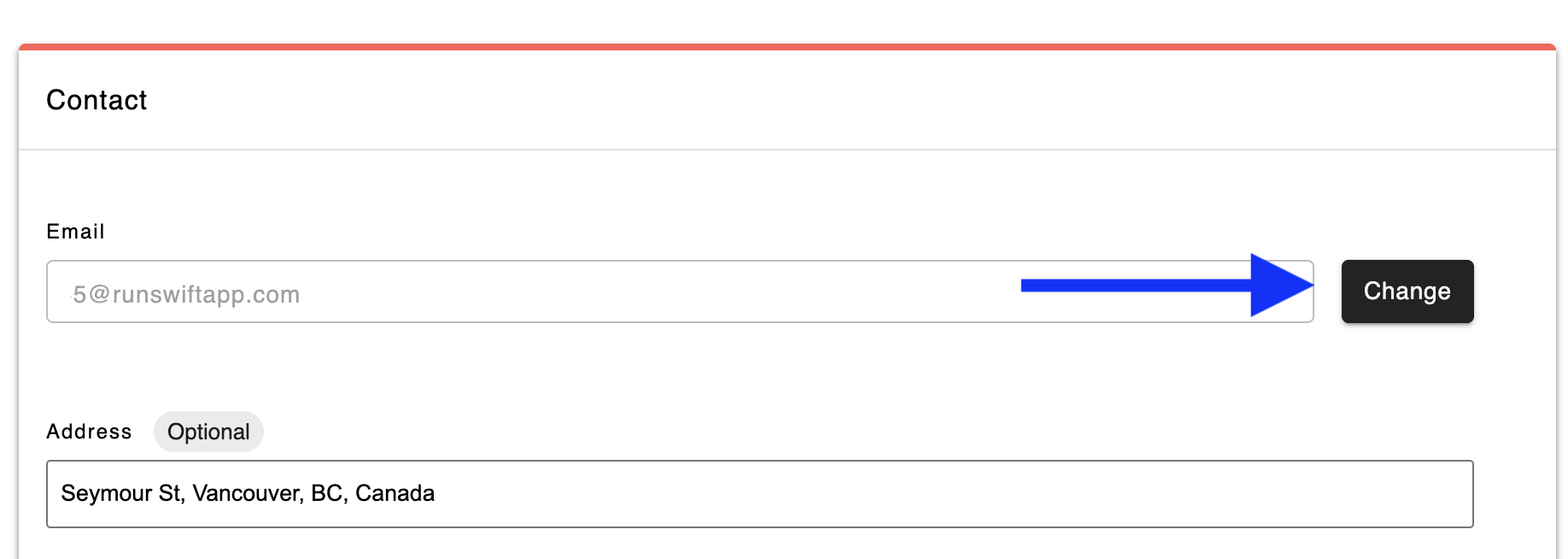
- Go to Profile > Contact and click the Change button next to your existing email address.
- Enter your new email address and click the Continue button.
- Check your new email inbox for a verification code.
- Enter the verification code in the required field to complete the update.
⚠️ Once your email is updated, you’ll need to use your new email address to log into your Swift account going forward. All future verification codes will be sent to your updated inbox.