Family
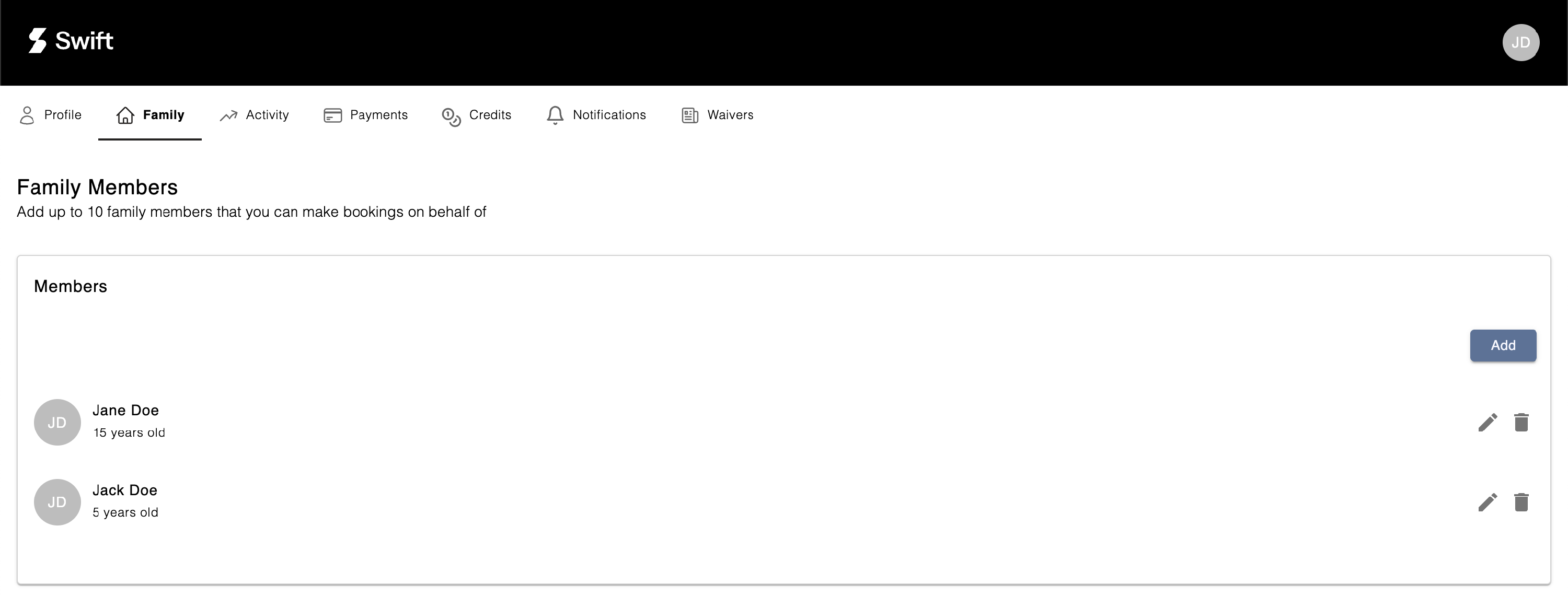
On this page, you can add and view all your family members.
How to Add a Family Member:
- Click the Add button.
- Fill out the Add Member form.
- Click Save to complete the process.
How to Remove a Family Member:
- Click the Delete (bin) icon next to the family member's name.
Important Notes:
- Each Swift account can have up to 10 family members listed.
- Some facilities may place an age restriction on certain services. For example, if you're trying to enrol your child into a 13U Hitting Class, be sure to add or update your child's profile with their date of birth.