Notifications
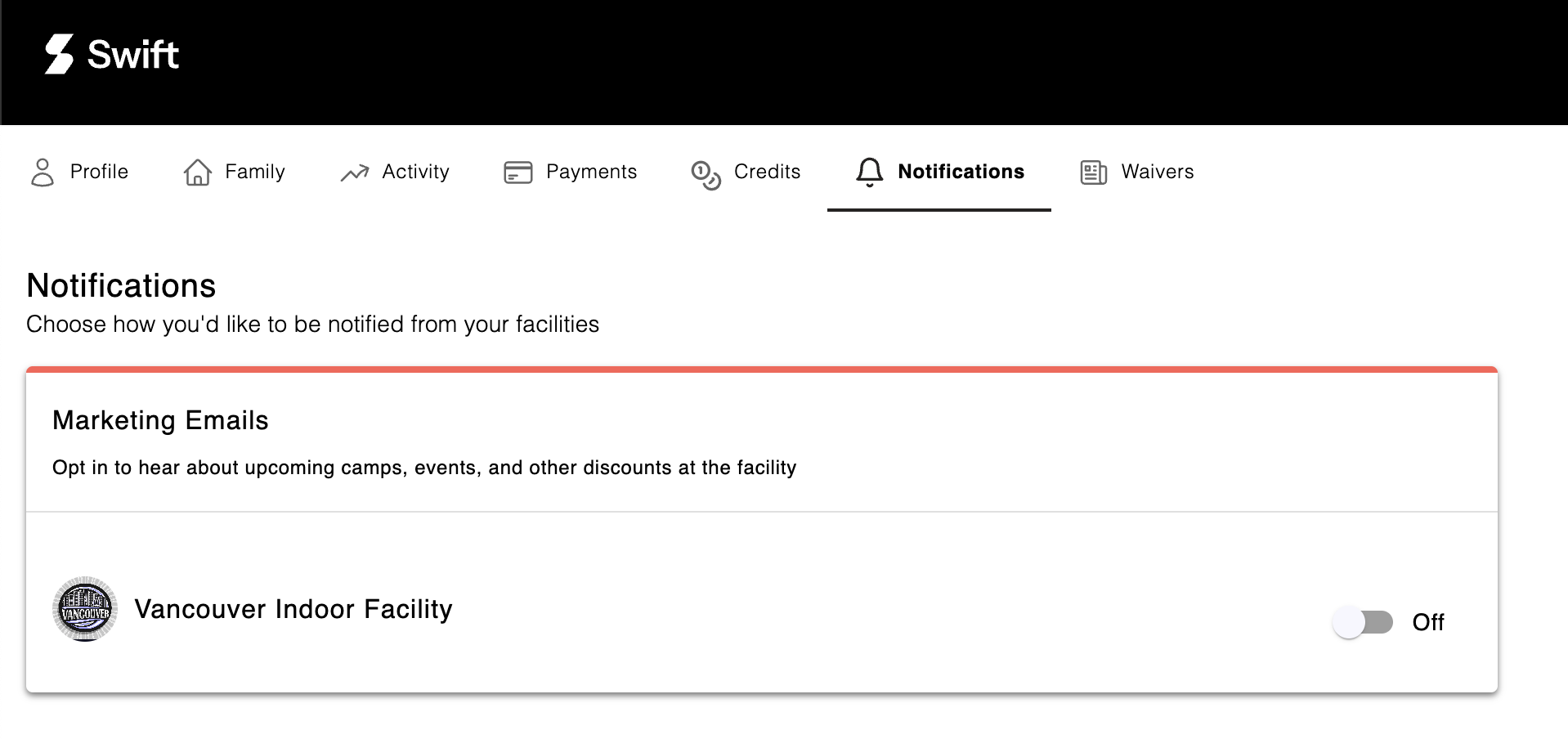
The Notifications tab allows you to control your preferences for receiving marketing updates from a facility.
Opting In or Out of Marketing Updates
- By default, you are not automatically opted in to receive marketing updates when you create an account at a facility.
- To receive marketing updates, you can manually opt in through the Notifications tab by switching the toggle to ON.
- You can change your preferences at any time by opting in or out.
💡 Tip:
If you have opted in to receive marketing updates from a facility:
✅ Add their email address to your contacts to prevent emails from being marked as spam.
✅ Check your spam, junk, or promotions folders if you are not receiving updates.
If you have any questions about the marketing updates you receive, please contact the facility directly.