How to Check-In for a Booking
If your facility has enabled online check-in, you’ll have the flexibility to confirm your arrival in just a few taps. You can check in:
- Ahead of time – before you arrive at the facility
- On the spot – as soon as you walk in (if they have a kiosk available)
How to check in
- Open your confirmation email or log in to your Swift account.
- In the top right corner, click on your Profile icon and select My Account
- Select the Activity tab
- If you have a booking that's ready for check-in, the check-in ready tile will be displayed
- Select the Manage button for that booking.
- Click Start Check-In and go through the flow
- You’ll see a confirmation that your check-in was successful.
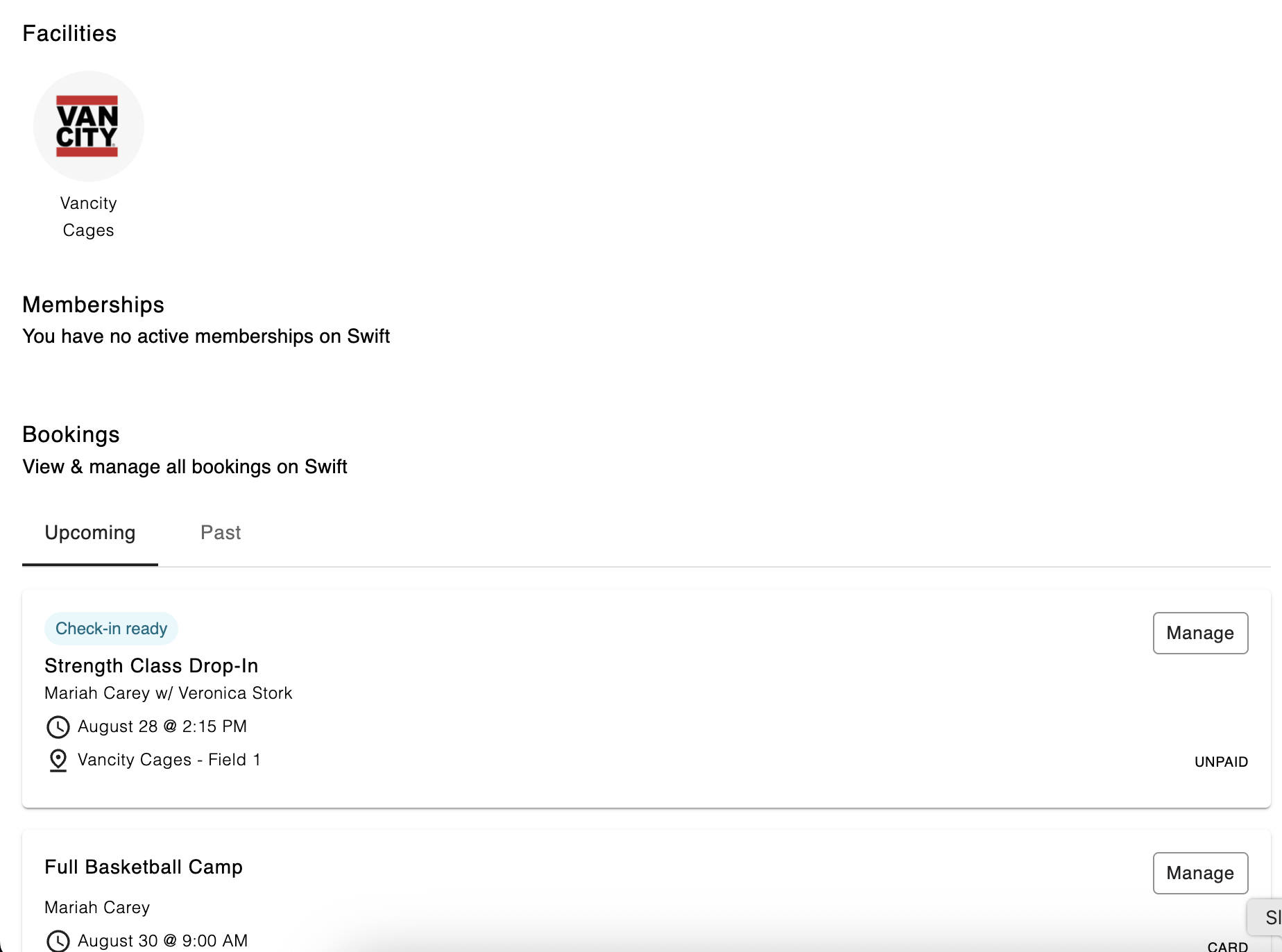
If you haven't paid for the booking yet, you'll be required to pay for it in order to be able to check-in.
How to know you’re checked in
- Once you’ve checked in, when you click the Manage button again, it'll indicate that you've already checked in.
- Some facilities may also send a confirmation email or push notification.